KKHSOU MA 4th semester result 2026 declared: Direct link to download subject wise merit lists here
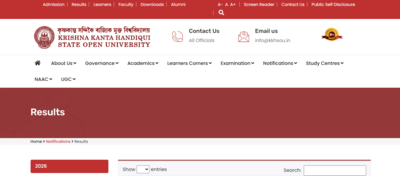
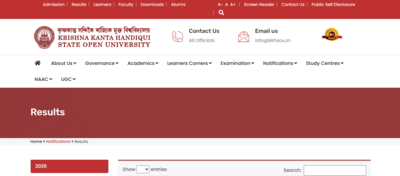
Krishna Kanta Handiqui State Open University (KKHSOU) has officially announced the MA 4th Semester result for students who appeared in the November–December session exam. Candidates enrolled in the Master of Arts programme can now check their scores on the university’s official result portal. The result release brings relief to thousands of students waiting to know their performance before planning future academic steps. KKHSOU has made the result available in a simple online format so students can easily access and download their scorecards using their roll number or registration number. This step helps students track their progress and prepare for the next semester or further studies. Detailed instructions to download the result are shared below.
KKHSOU result overview
KKHSOU has published the MA 4th Semester results for the final term of the Master of Arts programme. The result includes marks obtained in all subjects of the 4th semester. Students who took the exam can now view their grades and overall performance. The university result server shows marks subject‑wise and overall status. This announcement is important as it determines students’ eligibility for the next academic level and future opportunities like higher studies or job applications.
How to download Your MA 4th semester result
Students can download their MA 4th semester results by following the steps given below:
- Open your web browser and go to kkhsou.ac.in.
- On the homepage, click on “Results” or “Examination Results”.
- Select your course as MA and semester as 4th Semester.
- Enter your registration number or roll number.
- Click Submit to see your result.
- Click Download or Print to save your result.
Direct link to check KKHSOU result here.
Who can check the result
Only students who registered for the MA 4th Semester exams in the recent session are eligible to check the result. This includes both regular learners and distance education students under KKHSOU. You must have your registration number, semester details, and date of birth ready to check the scorecard. Without the correct details, the online result portal will not display the marks.